Starting a blog is exciting, but choosing the right web hosting can feel confusing.
Your host affects your blog’s speed, security, reliability, and running costs, so it’s worth getting this decision right from the start.
In this guide, you’ll learn how to choose the best web hosting for a new blog, what features to look for, and how to pick a hosting plan that fits your budget and future growth.
What Is Web Hosting?
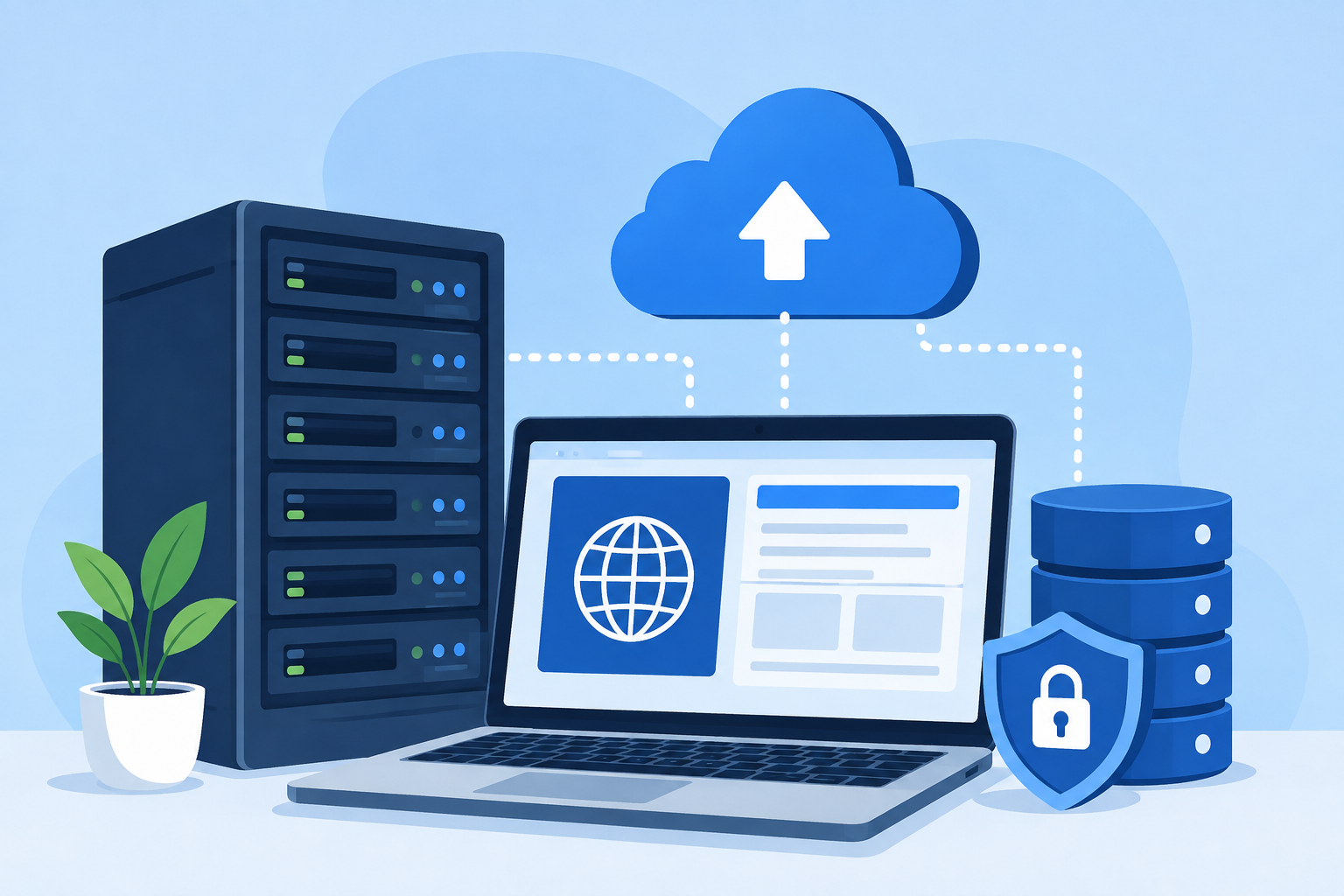
Web hosting is a service that stores your blog’s files and makes them available to people on the internet.
When someone visits your blog, the hosting provider delivers the pages, images, videos, and other files needed to display your website in their browser.
Think of web hosting as the space where your blog lives online, with the hosting company providing the servers and technology needed to keep it accessible.
The quality of your hosting can affect how quickly your pages load, how reliably your blog stays online, how well it is protected, and how easily it can handle more visitors as your audience grows.
Your domain name and web hosting serve different purposes, although you need both for most self-hosted blogs.
A domain name is your blog’s web address, such as yourblog.com, while web hosting is the service that stores the website connected to that address.
For example, if your domain is the address of your blog, hosting is the online space behind that address where your website actually lives.
When choosing web hosting for a new blog, look for a provider that offers reliable performance, strong security, helpful support, and enough resources for your current needs without making you pay for features you do not need.
Why Choosing the Right Web Hosting Matters for a New Blog
- Website speed and performance: Fast hosting helps your blog load quickly, giving visitors a smoother browsing experience.
- Uptime and reliability: Reliable hosting keeps your blog available to visitors instead of experiencing frequent downtime.
- Security: Good hosting includes features such as SSL certificates, backups, malware protection, and other tools that help protect your website.
- SEO and user experience: Hosting can affect site speed, reliability, and overall user experience, which can indirectly support your SEO efforts.
- Scalability as your blog grows: A good hosting provider makes it easier to upgrade your plan when your traffic, content, and resource needs increase.
- Overall running costs: Comparing both introductory and renewal prices helps you choose reliable hosting without paying more than necessary.
How to Choose the Best Web Hosting for a New Blog
Consider Your Blog’s Needs
Start by thinking about the type of blog you plan to build and how many visitors you realistically expect during the first year.
A small personal blog with a few posts each month will usually need far fewer resources than a large site publishing dozens of articles, high-resolution images, or videos.
If you are just starting out, shared hosting can often provide enough storage, bandwidth, and server resources for a new blog without a high monthly cost.
Think about your content as well, because image-heavy websites can use more storage and resources than simple text-based blogs.
It is also smart to consider future growth instead of choosing a hosting plan that only works for your first few months.
Look for a provider that makes it simple to upgrade your plan when your blog attracts more visitors or needs additional resources.
Look for Reliable Uptime
Uptime refers to how often your website is available and working properly for visitors.
A reliable host should keep your blog online consistently, because repeated downtime can prevent readers from accessing your content when they want to visit.
Look for hosting providers that publish clear uptime commitments and have a strong track record of reliable service.
Even short periods of downtime can matter if they happen regularly, especially when visitors are trying to read your posts, click affiliate links, or contact you.
For a new blog, you do not need to obsess over tiny differences in uptime percentages, but you should avoid providers with a reputation for frequent outages.
Check Website Speed and Performance
Your hosting provider plays an important role in how quickly your blog can deliver pages and files to visitors.
Look for hosts that use modern servers, fast storage, and current server technology rather than focusing only on how much storage or bandwidth you receive.
Server location also matters because visitors generally benefit when website data does not have to travel as far.
If you expect readers from different countries, a content delivery network (CDN) can help by serving cached copies of your content from servers closer to visitors.
Many hosting providers include CDN integration or make it easy to connect your blog to a separate CDN service.
When comparing hosting plans, also check whether they use SSD or NVMe storage, which can provide faster data access than older types of storage.
Choose the Right Hosting Type
The type of hosting you choose affects your blog’s price, performance, available resources, and management requirements.
Shared hosting places multiple websites on the same server and is usually the most affordable option for beginners.
It can be a practical choice for a new blog because you can start with basic resources and upgrade later as your needs increase.
Managed WordPress hosting is designed specifically for WordPress websites and typically handles tasks such as updates, backups, security, and technical maintenance for you.
It can be worth considering if you want a simpler WordPress experience and do not mind paying more than you would for basic shared hosting.
VPS hosting gives your website more dedicated resources and control than typical shared hosting, but it usually requires more technical knowledge and costs more.
It is generally unnecessary for a brand-new blog unless you already expect significant traffic or need greater control over the server environment.
Cloud hosting runs websites across a network of connected servers, which can provide flexibility and make it easier to handle changing resource demands.
For most new bloggers, shared hosting or entry-level managed WordPress hosting is usually the best starting point, depending on your budget and how much technical work you want to handle yourself.
You can always move to a more powerful hosting solution later when your blog has a clear need for additional resources.
Compare Hosting Features
Once you have narrowed down your hosting type, compare the features included with each plan rather than looking at the advertised price alone.
A free SSL certificate should be standard because SSL helps encrypt the connection between your website and its visitors.
Automatic backups can give you a way to restore your blog if something goes wrong, although you should check how often backups are made and how long they are retained.
Email accounts can be useful if you want a professional email address connected to your domain, such as hello@yourblog.com.
One-click WordPress installation makes it much easier to get a WordPress blog running without manually setting up the software.
Website migration can save time if you already have a blog elsewhere and want the hosting company to help move it to its servers.
A beginner-friendly control panel gives you an easier way to manage domains, files, email accounts, backups, and other hosting settings.
A staging environment lets you create a private copy of your website where you can test changes before making them live.
Not every new blog needs every feature, so prioritize the tools that will genuinely make your website easier to run, protect, and grow.
Evaluate Security Features
Website security should be a priority from the day you launch your blog, even if you are starting with very little traffic.
- Look for hosting providers that include a free SSL certificate, which encrypts the connection between your website and its visitors.
- Malware scanning can help detect harmful files or suspicious activity before they cause bigger problems.
- A firewall adds another layer of protection by blocking certain unwanted or potentially harmful traffic.
- Automatic updates can help keep WordPress and other software current, reducing the risk of problems caused by outdated software.
- Regular backups give you a way to restore your blog if a failed update, security issue, or accidental change damages your website.
- DDoS protection can help defend your website against attacks that attempt to overwhelm it with large amounts of traffic.
Before choosing a hosting provider, check exactly which security features are included rather than assuming every plan offers the same level of protection.
Consider Ease of Use
Good web hosting should make managing your blog simple, especially if you are new to website management.
A beginner-friendly control panel gives you an easy way to manage your hosting, domains, email accounts, files, and other settings without needing advanced technical skills.
Look for a simple WordPress installation process so you can get your blog online without manually configuring complicated software.
Your host should also make it easy to connect your domain name and point it to your website.
Useful website management tools can save you time when creating backups, managing files, checking performance, or handling other routine tasks.
If you are new to blogging, ease of use can be just as valuable as getting the lowest possible hosting price.
Check Customer Support
Even with beginner-friendly hosting, you may eventually run into a problem that you cannot solve on your own.
Look for a provider that offers 24/7 customer support, particularly if your blog serves readers in different time zones.
Support through live chat, email, or support tickets gives you different ways to get help when something goes wrong.
Check whether the provider has a useful knowledge base, tutorials, and setup guides that can help you solve common problems without contacting support.
It is also worth looking at independent customer reviews to see whether users mention quick responses and helpful support.
A hosting company can have excellent features on paper, but poor customer service can make a simple website problem much harder to fix.
Compare Pricing and Renewal Costs
The price you see when first signing up may not be the price you pay when your hosting plan renews.
Many hosting companies offer lower introductory prices and charge a higher regular rate after the initial billing period.
Check both prices before choosing a plan so you know what your hosting will cost in the long term.
Compare monthly and annual billing as well, because paying for a longer period upfront can sometimes reduce the average monthly cost.
Look for additional charges related to backups, domain registration, migrations, email, premium security features, or other services you may need.
Some providers include a free domain for the first year, which can reduce your initial setup costs, but check the renewal price afterward.
Do not automatically choose the cheapest hosting plan because a low introductory price may not represent the total cost of running your blog over several years.
Look for Room to Grow
Your blog may start small, but your hosting needs can change as you publish more content and attract more visitors.
Choose a provider that offers straightforward upgrade options so you can move to a larger plan without rebuilding your website from scratch.
Check how storage and bandwidth limits increase with higher plans, particularly if you expect to publish lots of images, videos, downloads, or other large files.
Your hosting should also be able to handle increasing traffic without forcing you to move immediately to a completely different provider.
If you eventually outgrow your current plan, an easy migration process can make it simpler to move to VPS, cloud, or managed hosting.
Choosing a host with room to grow gives you more flexibility and can save you the hassle of switching providers sooner than necessary.
How Much Does Web Hosting Cost for a New Blog?
For a new blog, basic web hosting typically costs around $3 to $15 per month, depending on the provider, plan, and billing period.
Entry-level shared hosting is often the cheapest option, with promotional prices sometimes starting at around $2 to $5 per month when you pay for a longer-term plan.
After the introductory period ends, renewal prices can increase to roughly $6 to $15 or more per month, so always check the regular price before signing up.
Managed WordPress hosting usually costs more, with beginner plans commonly ranging from around $10 to $30 per month because they may include additional WordPress-focused features and support.
The price of web hosting depends on factors such as storage, bandwidth, server performance, security features, backups, customer support, the type of hosting, and the number of websites you can host on one account.
You may also pay more for hosting that includes faster NVMe storage, automatic backups, advanced security, staging tools, or additional server resources.
Your hosting bill is not the only cost to consider when starting a blog.
A domain name typically costs around $10 to $20 per year, although some hosting providers include a free domain for the first year with selected plans.
A premium WordPress theme can cost roughly $30 to $100 or more, although there are plenty of free themes suitable for new bloggers.
Premium WordPress plugins can range from about $20 to $200 or more per year, depending on what they do and whether you need a single-site or multi-site license.
You may also have optional costs for professional email, premium security tools, website backups, stock images, or other services as your blog develops.
For most beginners, you can keep your initial setup relatively affordable by choosing a reliable entry-level hosting plan, using a free WordPress theme, and only paying for tools that solve a real need.
What Type of Hosting Is Best for a New Blog?
The best hosting type for a new blog depends on your budget, technical experience, expected traffic, and how much control you want over your website.
Shared hosting is usually the best starting point for beginners because multiple websites share the same server resources, which keeps costs low.
Its main advantages are affordability, simple setup, and easy website management, while the main drawback is that heavy traffic on other websites can sometimes affect available resources.
Managed WordPress hosting is designed specifically for WordPress and often includes automatic updates, backups, security tools, performance features, and WordPress-focused support.
It can save you time and reduce technical work, but it usually costs more than basic shared hosting and may give you less control over certain server settings.
VPS hosting gives your website a more isolated environment with dedicated resources and greater control than shared hosting.
It can provide better performance and flexibility, but it is more expensive and may require technical knowledge to manage properly.
Cloud hosting uses a network of servers instead of relying on a single physical server, which can provide flexible resources and help websites handle changing levels of traffic.
Cloud hosting can be powerful and scalable, but pricing and setup can be more complicated than beginner-friendly shared hosting.
For most new bloggers, shared hosting is the best choice if keeping costs low is the priority, while managed WordPress hosting is worth considering if you want more hands-off website management.
If you expect unusually high traffic from the beginning, need advanced server control, or already have technical experience, VPS or cloud hosting may make more sense.
The important thing is not to buy the most powerful hosting plan available, but to choose a reliable option that matches your blog’s current needs and gives you a simple path to upgrade later.
Common Web Hosting Mistakes New Bloggers Should Avoid
- Choosing solely based on price: The cheapest plan may lack important features such as reliable support, backups, or strong security.
- Ignoring renewal rates: Check the regular renewal price so you know what you will pay after the introductory period ends.
- Buying more resources than necessary: A new blog usually does not need expensive hosting with resources designed for high-traffic websites.
- Overlooking customer support: Poor support can make even simple hosting problems frustrating and time-consuming to fix.
- Failing to check backup and security features: Make sure your hosting plan includes essential protection such as SSL, backups, malware scanning, and firewalls.
- Choosing a host with poor upgrade options: Pick a provider that makes it easy to move to a larger plan as your blog and traffic grow.
How to Compare Web Hosting Providers
Comparing web hosting providers is easier when you focus on the features that will actually affect your blog rather than getting distracted by long lists of extras.
Start with a simple checklist that lets you compare each provider on the same points.
- Price: Compare both the introductory price and the regular renewal cost, including any extra fees.
- Performance: Check for fast storage, modern servers, CDN support, and enough resources for your expected traffic.
- Uptime: Look for a provider with a strong uptime record and a clear uptime commitment.
- Features: Compare useful features such as free SSL, backups, WordPress installation, website migration, email, and staging tools.
- Security: Check whether the plan includes features such as malware scanning, firewalls, automatic updates, and DDoS protection.
- Support: Look for accessible support through live chat, email, or tickets, along with helpful guides and tutorials.
- Scalability: Make sure you can upgrade your hosting plan easily if your blog attracts more visitors or needs additional resources.
The best overall value is not necessarily the provider with the lowest price or the longest feature list.
Instead, look for a hosting plan that gives you the performance, reliability, security, support, and resources you actually need at a reasonable long-term cost.
For a new blog, paying slightly more for dependable hosting can be worthwhile if it provides better support, useful security features, and an easy upgrade path.
Before signing up, compare at least three hosting providers using the same checklist so you can see which one offers the strongest combination of features and value for your specific needs.
Best Web Hosting Features for New Bloggers
- Free SSL: Encrypts data between your blog and visitors and helps keep your website secure.
- Automatic backups: Creates copies of your website so you can restore it if something goes wrong.
- WordPress installation: Lets you install WordPress quickly without complicated manual setup.
- Free migration: Helps you move an existing website to the new host without paying an additional migration fee.
- Fast storage: SSD or NVMe storage can help your blog load pages and files more quickly.
- CDN integration: Delivers cached website content from servers closer to your visitors for better performance.
- Security tools: Features such as malware scanning, firewalls, and DDoS protection help protect your blog from common threats.
- Reliable support: Responsive customer support can save you time when you encounter technical problems.
- Easy scalability: Simple upgrade options let your hosting grow with your blog as traffic and resource needs increase.
Final Thoughts
New bloggers do not need the most expensive web hosting plan to get started.
Focus on reliable performance, good security, helpful support, and enough room to grow.
Choose a hosting provider that fits your current needs and budget while giving your blog an easy path to handle more traffic in the future.
FAQs
What is the best web hosting for a new blog?
Shared hosting is usually the best starting point because it is affordable, beginner-friendly, and provides enough resources for most new blogs.
How much should I spend on web hosting for a new blog?
Most new bloggers can start with around $3 to $15 per month, depending on the hosting provider, plan, and features included.
Is shared hosting good enough for a new blog?
Yes, shared hosting is usually sufficient for a new blog with low to moderate traffic and can be upgraded as your audience grows.
Do I need WordPress hosting for my blog?
No, but managed WordPress hosting can make running a WordPress blog easier by providing WordPress-focused tools, updates, security, and support.
What should I look for in a web hosting provider?
Look for reliable uptime, fast performance, strong security, helpful support, reasonable renewal prices, useful features, and easy upgrade options.
Can I change web hosting providers later?
Yes, you can move your blog to another hosting provider, and many hosts offer free or assisted website migration.
Does web hosting affect SEO?
Yes, hosting can indirectly affect SEO through website speed, uptime, security, and overall user experience.
Do I need a domain and web hosting separately?
You need both for most self-hosted blogs, but they can be purchased from the same provider or from separate companies.





Hi, I’m Daniel Cacheton. I specialize in WordPress performance optimization and have spent 7+ years improving site speed, Core Web Vitals, and overall user experience. I share practical, no-fluff guides based on real testing to help you build faster WordPress websites.